 America’s #1 Retro Electric Moped • Removable Battery • Free 1–3 Day Delivery • From $94/mo • Street Legal


Where Is the Reset Button on Your Electric Scooter? A Quick Guide
Picture this: you’re ready for an exhilarating ride on your trusty electric scooter, but it suddenly refuses to power up or behaves strangely. Before you panic or call it a lost cause, let’s talk about an often-overlooked hero in these scenarios—the reset button.
Yes, many electric scooters come equipped with a reset button that can solve a surprising number of issues, but knowing where to find it and how to use it is crucial.
Let’s dig in and uncover everything you need to know about this simple yet mighty feature.
Why Does an Electric Scooter Have a Reset Button?
First, a little background. The reset button is like a safeguard for your scooter’s electrical system. Think of it as the circuit breaker in your home. If there’s a surge of power, overheating, or something unexpected that could harm the components, the system automatically shuts down as a protective measure. The reset button lets you restart things without causing further damage.
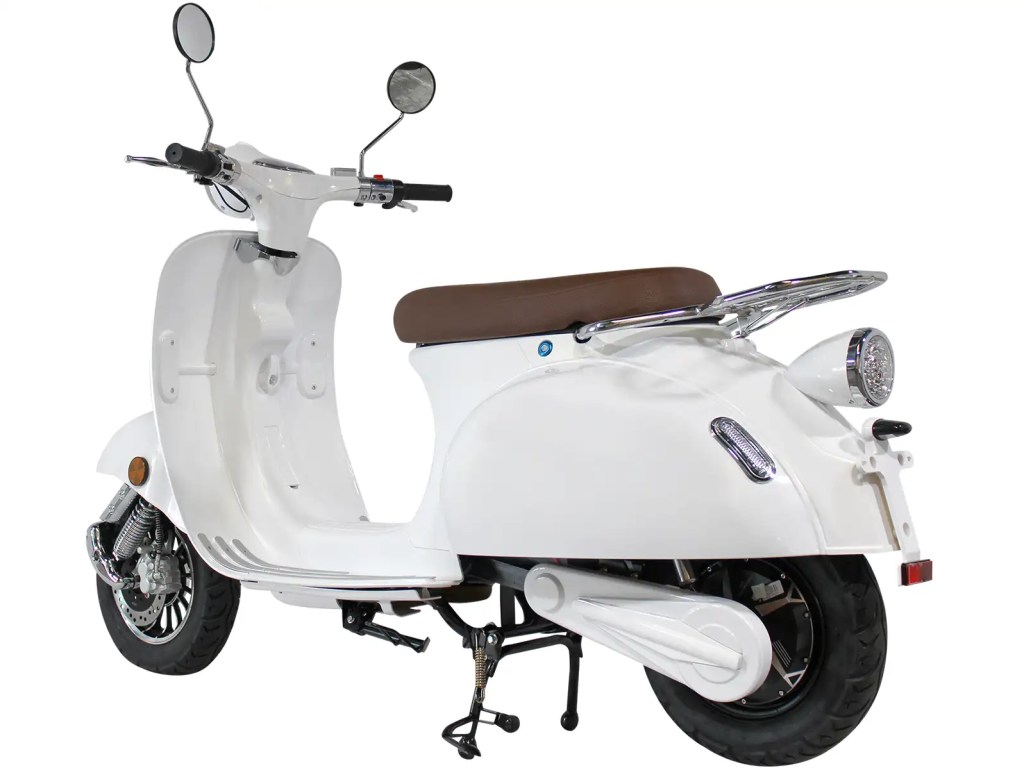
This feature is particularly handy if your scooter encounters problems like:
- Sudden loss of power.
- Failure to turn on.
- Unresponsive throttle or brakes.
- Overheating due to prolonged usage.
In essence, the reset button is there to save your scooter’s delicate systems from frying themselves. Knowing when to press it and when to troubleshoot further is key to keeping your ride in good shape.
Where to Find the Reset Button on Your Electric Scooter
Here’s the kicker—not all scooters have their reset button in the same place. While designs vary, most models tend to stick to a few common locations:
Under the Deck
A lot of scooters house the reset button under the deck, where the battery and main circuitry are located. It’s usually a small, recessed button that you might need to press with a thin object like a pen or a paperclip.
Near the Battery Compartment
If your scooter has an easily accessible battery compartment, the reset button is often nearby. Look for a small rubber or plastic cap that covers the button to keep it safe from dust and debris.
On the Handlebar Column
Though less common, some scooters place the reset button on or near the stem or handlebar column. This makes it easier to reach without needing to flip the scooter over.
By the Charging Port
Occasionally, you’ll find the reset button near the charging port. This location is convenient for troubleshooting power issues that might arise from charging errors.
How to Reset Your Scooter Like a Pro
Once you’ve found the button, here’s how to use it properly:
Turn Off the Scooter
Always start with the scooter powered off. Resetting it while it’s on could lead to more glitches or even damage the system.
Locate the Reset Button
Use the tips above to find the button. If you’re unsure, refer to the user manual or check online for your specific model’s design.
Press and Hold
Use a tool (if needed) to press and hold the button for about 5-10 seconds. Some scooters might need a longer press—patience is your friend here.
Wait for a Click or Light Indicator
Many scooters will give you feedback, like a click sound or a flashing light, to let you know the reset was successful.
Power It Back On
Turn the scooter back on and test it. If the issue persists, the problem may go deeper than a simple reset can handle.
When the Reset Button Won’t Cut It
Let’s be real—not every problem can be solved by pressing a button. If your scooter is still acting up, consider these next steps:
Check the Battery
Make sure the battery is properly charged and securely connected. Loose wires or depleted cells can mimic the symptoms of a malfunction.
Inspect the Fuse or Circuit Breaker
Some scooters have additional fuses or circuit breakers that might need replacing if the reset doesn’t resolve the issue.
Look for Visible Damage
Check for signs of wear, loose connections, or damaged components, particularly around the motor and wiring.
Consult a Technician
If you’re not comfortable poking around, take your scooter to a professional. They’ll have the tools and expertise to diagnose deeper problems.
A Few Pro Tips for Scooter Maintenance
To minimize the need for resets and keep your scooter running smoothly:
Don’t Push the Limits
Overloading your scooter or pushing it beyond its capacity can trigger the reset mechanism. Stick to the weight limit and avoid overtaxing the motor.
Avoid Extreme Temperatures
Both high and low temperatures can mess with your scooter’s electronics and battery, increasing the likelihood of a system shutdown.
Charge Responsibly
Overcharging or using incompatible chargers can strain the battery, leading to power interruptions. Always use the recommended charger and unplug once it’s full.
At first glance, the reset button might seem like a minor feature, but it’s a game-changer for electric scooters. It simplifies troubleshooting and extends the life of your scooter by preventing permanent damage during electrical hiccups. Understanding this little button gives you confidence and control over your ride—no small feat for such a tiny piece of tech!
So, the next time your scooter acts up, don’t let frustration take over. Just flip it off, find that reset button, and give it a go. Who knew solving a scooter issue could be as easy as pushing a button?